
I thank Graphic Maryland to allow me to translate their tutorials into English


Thank you to all the creators of hits who through their work allow us our magnificent creations
Do not modify the tube, do not remove the watermark from the creator of the tube, do not pass it off as yours
Thank you for the material and the tube.

Material


Filters
Alien Skin - Eye Candy 5 - Impact - Glass - CLEAR
Colors
Foreground: #9581ad
Background: #000000
1
Open a new transparent image of 900 x 600 px
Fill with foreground color
Open and copy the misted book
Paste a new layer
Image - resize to 80%
Effects - Image effects - Seamless Tiling
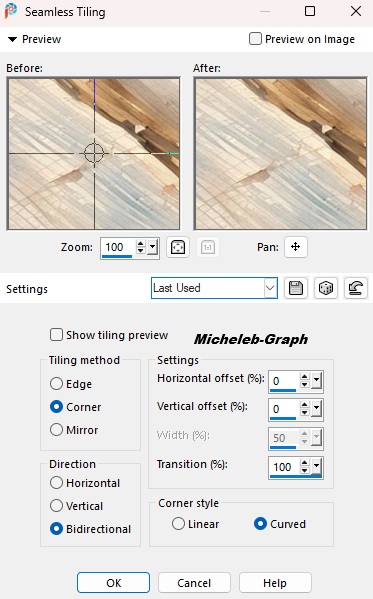
Blend Mode: dissolve

2
Open and copy the woman tube
Paste as new layer
Image - resize to 70%
Slightly move the woman to the left
Layers - rearrange - move down
3
Activate Raster Layer 2
Layers - new layer
Fill with background color: #000000
Open and minimize the deco 70 mask from Silvie
Layers - new mask layer - from apply this mask
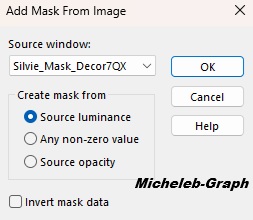
Layers - merge - merge group
4
Open and copy MVD Element Lavander_043
Paste as new layer
Image - resize to 80%
Position at the top right
Open and copy MVD Element Lavander_074
Image - resize to 80%
Paste as new layer
Position at the bottom right
Layers - duplicate
Layers - merge - merge down
Blend mode: Dissolve
Position at the bottom right

5
Layers - new layer
Fill with white color #ffffff
Open and minimize mask Narah_mask1842
Layers - new mask layer - from apply Narah layer
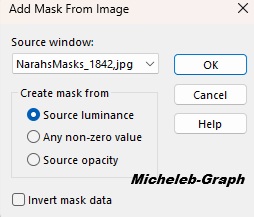
Layers - merge - merge group
Layers - rearrange - Move 2 times down
6
Activate the top layer (Raster 5)
Write with the font of your choice "Thinking of you"
or copy-paste the text is in material
Position as desired
Effects - 3D - Drop Shadow
V&H: 2 - 100 - 15 - #000000
7
Image - add borders
3 px - #000000
3 px - #9581ad
3 px - #000000
Selections - select all
Image - add borders
30 px - #9581ad
Selections - invert
Keep selection
Layers - new layer
Open and copy MVD Lavander_043
Paste into selection
Selections - select none
Layers - duplicate
Image - mirror - horizontal
Layers - duplicate
Image - mirror - vertical
Layers - duplicate
Image - mirror - horizontal
8
Layers - new layer
Selections - select all
Selections - modify - contract: 30 px
Selections - invert
Filters - Alien Skin - Eye Candy5 - Impact - Glass - CLEAR
Selections - select none
9
Add you signature
Add Maryland signature and Mine Translation Micheleb-Graph
10
Layers - merge - merge all
Save as. Jpg
My version
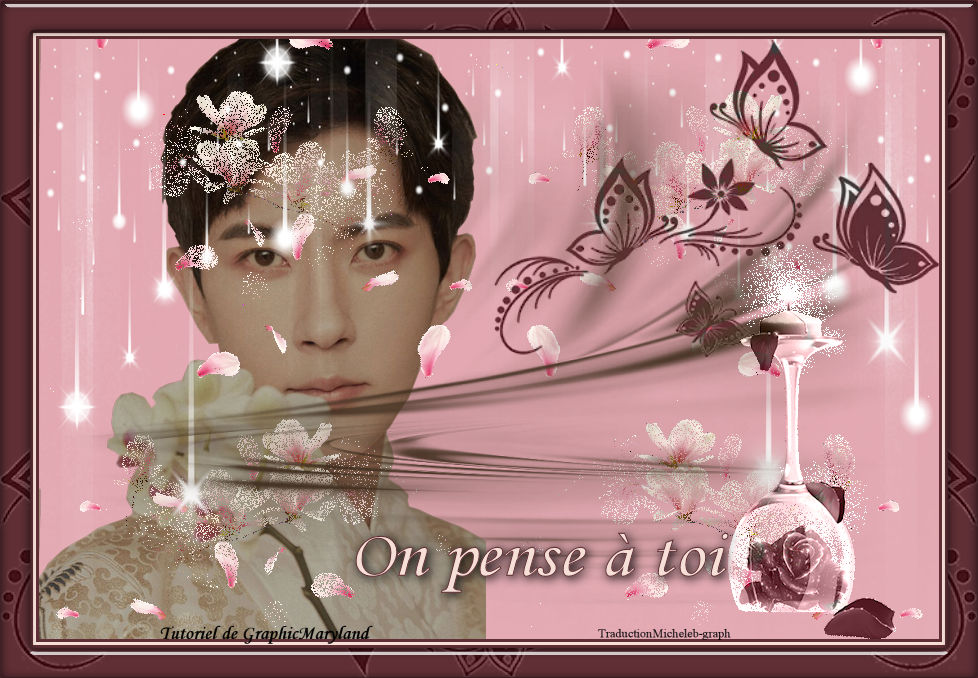
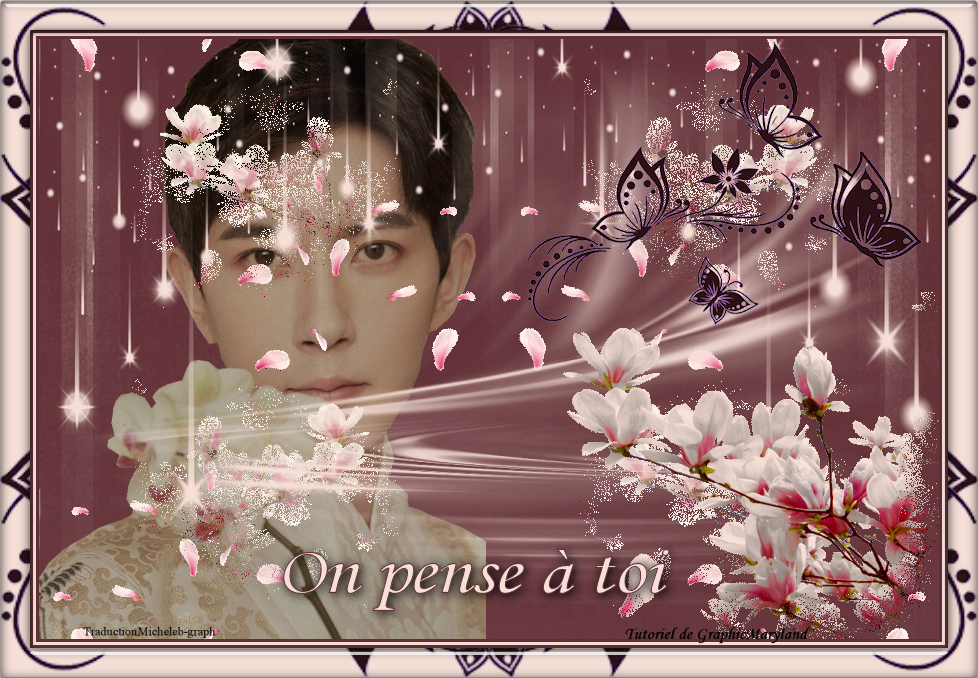
For drama fans, you will have recognized Yu Menglong (Alan Yu)
dcd last month...
Image taken on Pinterest - the flowers come from Diana’s share.
Version of my tester
Irene
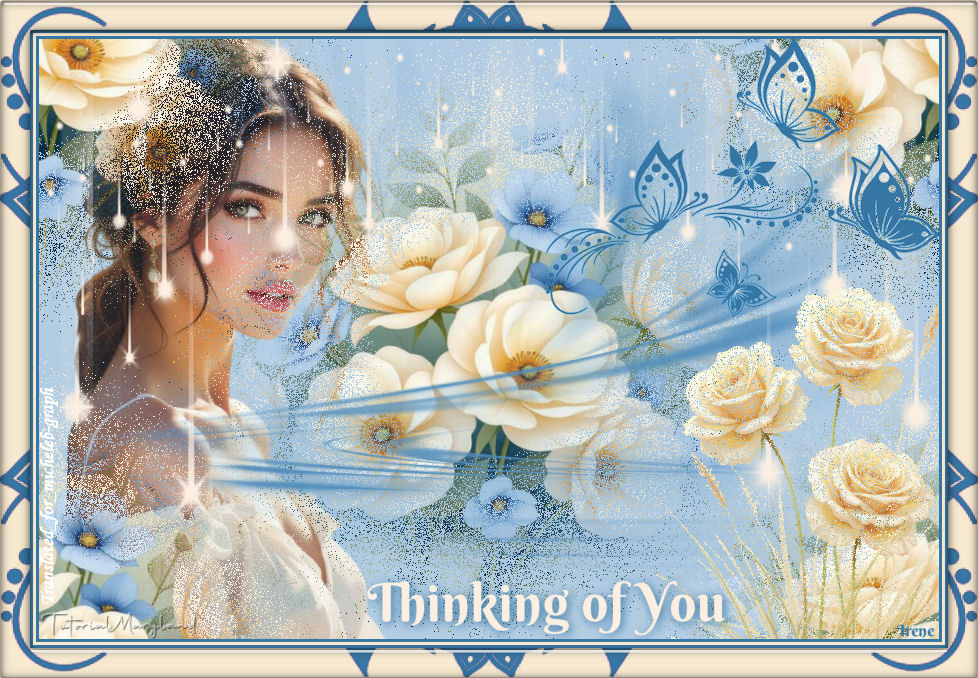
Your picture is finished
You can email it to me if you want it whish

Gallery Index

Ce(tte) œuvre est mise à disposition selon les termes de la Licence Creative Commons Attribution - Pas d’Utilisation Commerciale - Pas de Modification 3.0 France.