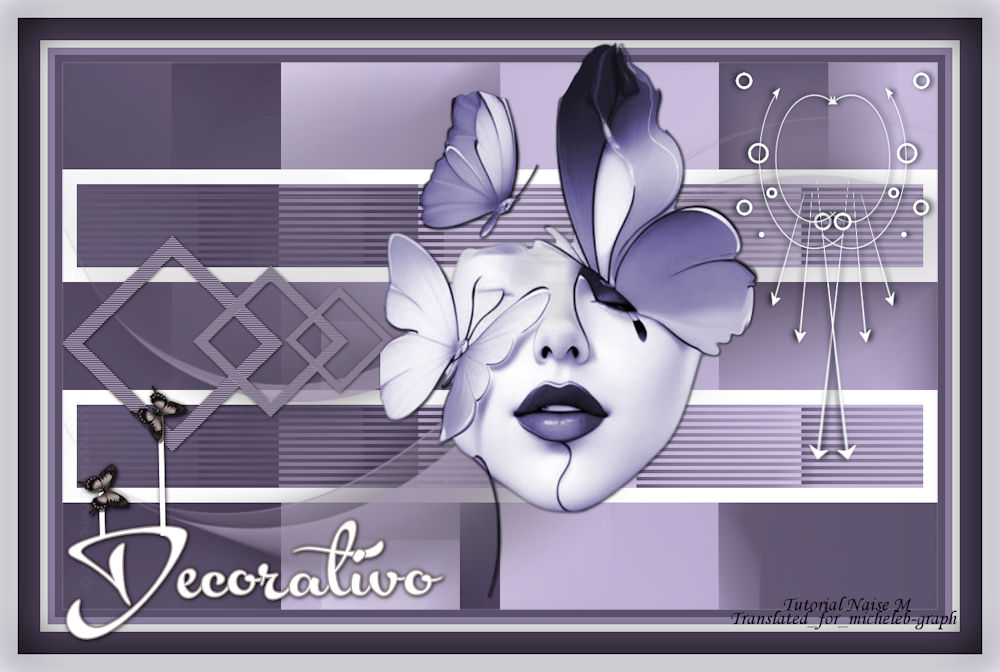
 All the tutorials are personal, created by NaiseM and translated by Micheleb-Graphisme Any resemblance to another on the Net would be pure coincidence. Tutorial dazzled and translated with Psp2020 

  Material  Alpha - tube - masks (Narah) - decos - background - title - signatures  Filters Mehdi Carolaine & Sensibility Colors  1 Open and minimize the Alpha 2 Open back_decorativo Edition - copy 3 Layers - new layer Selections - select all Edition - paste in the selection Selections - do not select anything 4 Filters - Mehdi - Sorting Tiles 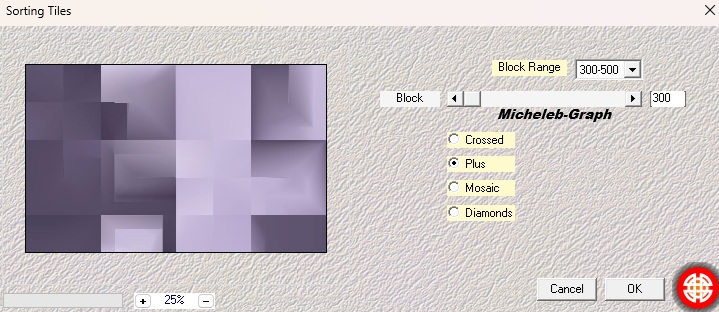 5 Layers - new layer Selections - alpha channel - selection 1 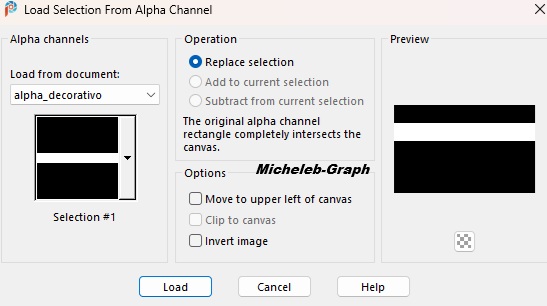 Fill the selection with the color white #ffffff Selections - modify - contract from 20 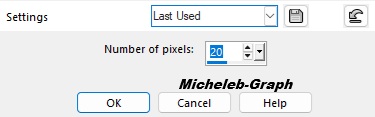 Press the "delete" key on your keyboard Keep selecting 6 Activate the Raster layer 1 Selections - transform the selection into a layer 7 Filters - Carolaine & Sensibility - CS-Linear-H 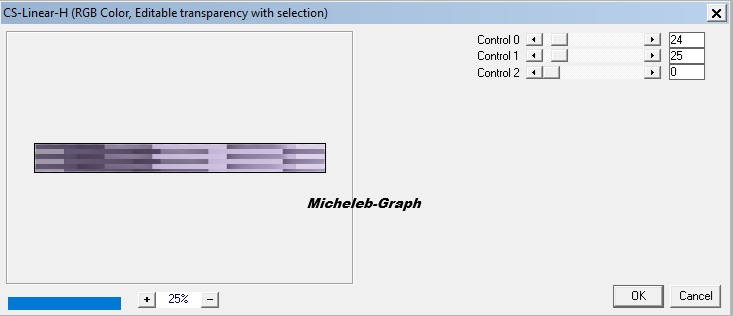 8 Activate the Raster layer 2 (just above) Layers - merge - merge layer from below Selections - do not select anything 9 Layers - duplicate Image - mirror - vertical mirror Layers - merge - merge layer from below 10 Layers - new layer Fill with color #a194ad 11 Open and minimize the mask Narah 1091 Layers - new mask layer - from an image Apply the Narah 1091 mask 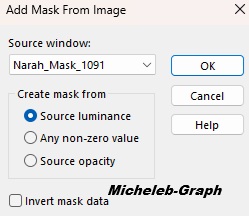 Layers - merge - merge the group Effects - 3D - drop shadow V&H: 1 - 74 - 70,46 - #000000 12 Layers - new layer Selections - load from alpha channel - Selection 2 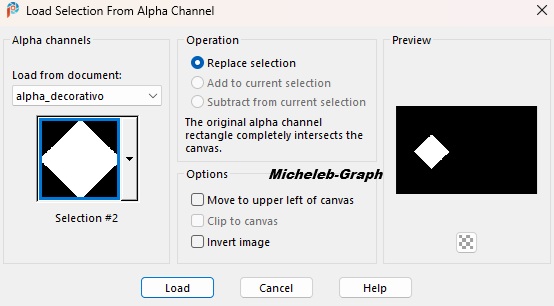 Fill with color #a194ad Selections - modify - contract from 20 Press the 'Delete' key on your keyboard Selections - do not select anything 13 Filters - Carolayne & Sensibility - CS-Texture 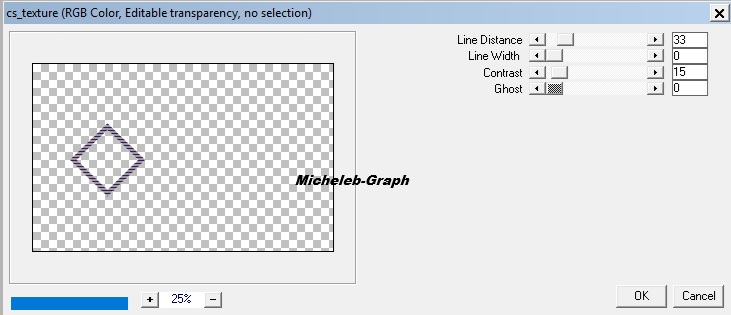 Objects - align - left 14 Layers - duplicate Image - resize to 70% *All UNCHECKED layers* Layers - duplicate again Image - resize to 70% *All UNCHECKED layers* Layers - merge - merge 2 x layer from below Effects - 3D - drop shadow V&H: 1 - 70 - 7.24 15 Image - add borders 10 px - #5d536e 10 px - #9285a7 10 px - #f1f1f2 55 px - #534962 16 Selections - select all Selections - edit - select borders  17 Keep the selection Effects - 3D - cutting  18 Always keep the selection Effects - D3 - drop shadow V&H: 1 - 100 - 100 - #000000 Selections - do not select anything 19 Open and copy the deco_decorativo tube Paste as a new layer Position (K)  Press "M" to disable 20 Open and copy the title tube Paste as a new layer Position (K)  Press "M" to disable Effects - 3D - drop shadow V&H: 1 - 90 - 9.00 21 Open and copy the tube_rosto decorative Paste as a new layer Position (K)  Press "M" to disable Effects - 3D - drop shadow V&H: 1 - 90 - 4.35 22 Add your signature Add the signature of NaiseM Add my signature Translation micheleb-graph 23 Layers - merge - merge all (flatten) Image - resize to 1000 px width Save as. Jpg Your creation is finished, you can send it to me by E-Mail if you wish  tutorial create on 16.10.2025 Translated on 09.11.2025 My version 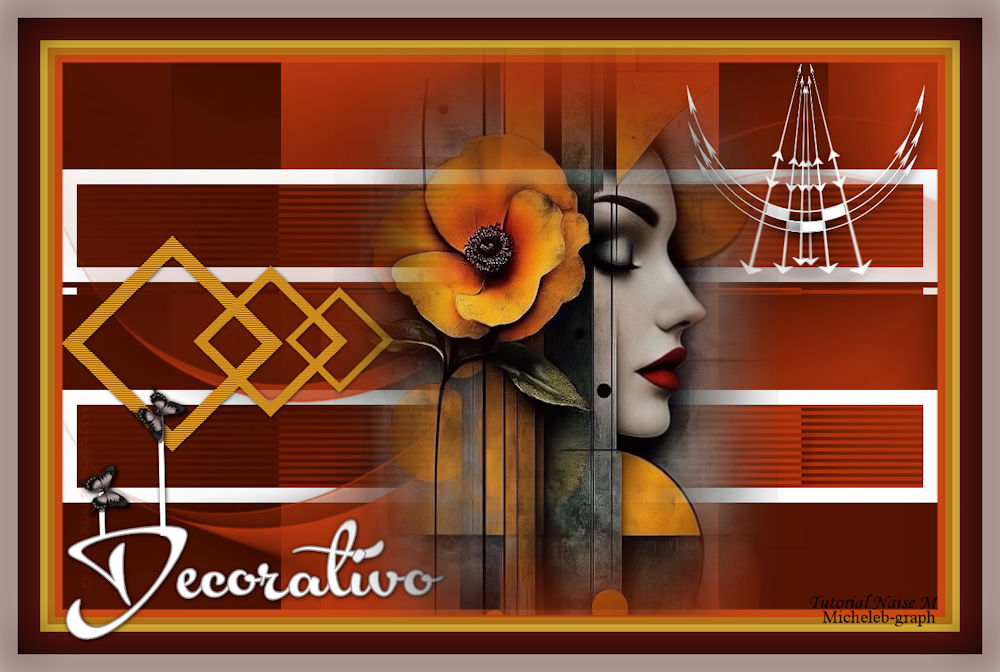 Gracias a Luz Cristina por su tube mujer Version of my tester Irene  Gallery Index  Ce(tte) œuvre est mise à disposition selon les termes de la Licence Creative Commons Attribution - Pas d’Utilisation Commerciale - Pas de Modification 3.0 France. |