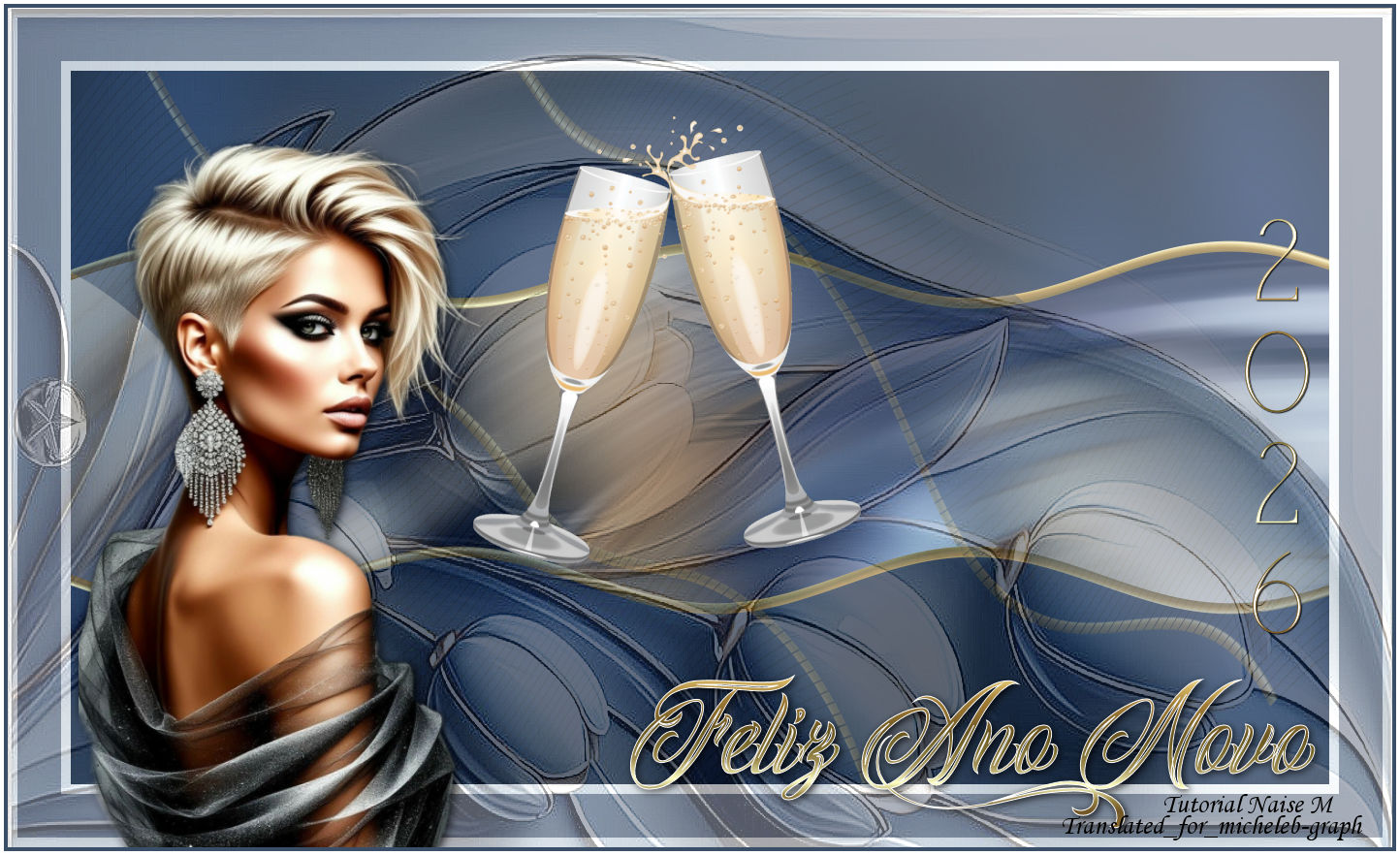

All the tutorials
are personal, created by NaiseM and translated by me
Any
resemblance to another on the Net would be pure
coincidence.
Tutorial developed and translated with Psp 2020.


Material

Tube of my
authorship
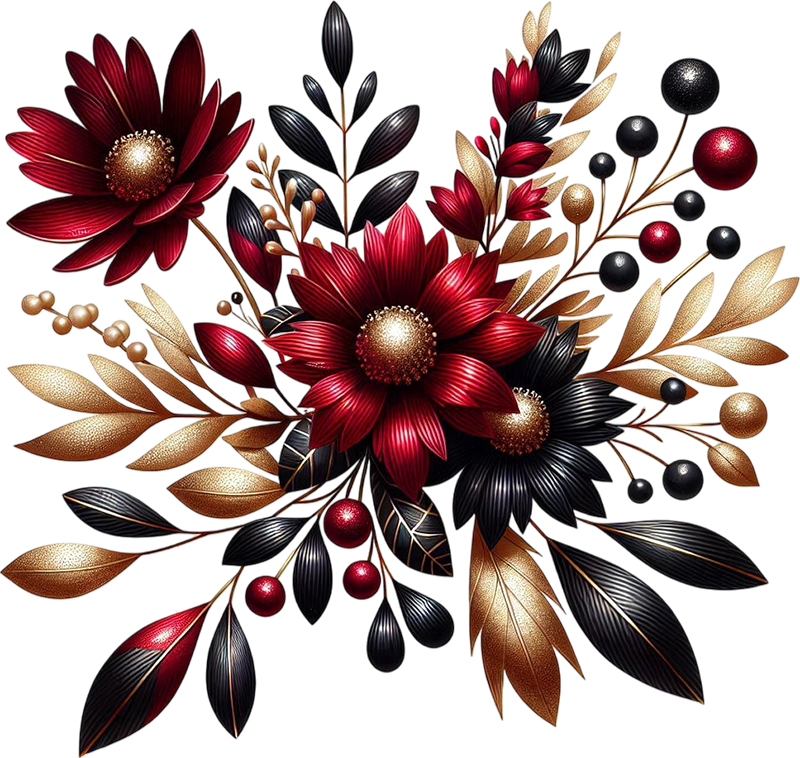
Deco
by NaiseM
Selection
Title
Image
watermark NaiseM
watermark Traduction
Micheleb-Graph

Plugins

Graphics Plus: Cross
Shadow
AP 01 [Lines] - Silverlining
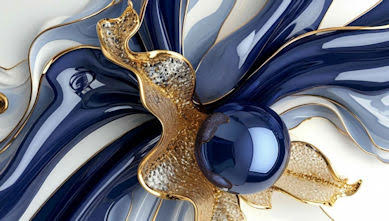
I used this image
1
Open the image in the
material or one that you have chosen
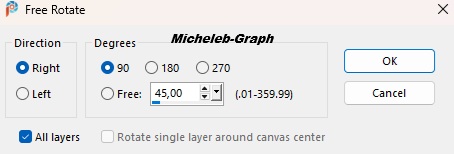
Image - free rotation
2
Adjustment - blur
- radial blur

Edition - repeat the radial
blur
3
Layers - new layer
Selections - load from disk - #ano_2026
Fill with the following degradé
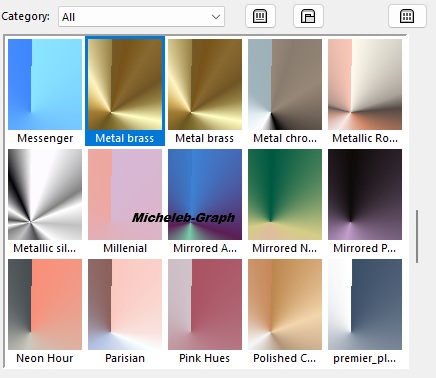
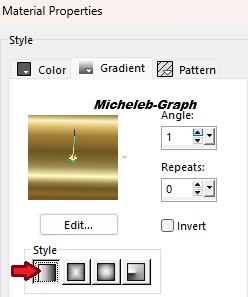
Selections - select
none
4
Effects - distortion effects - waves
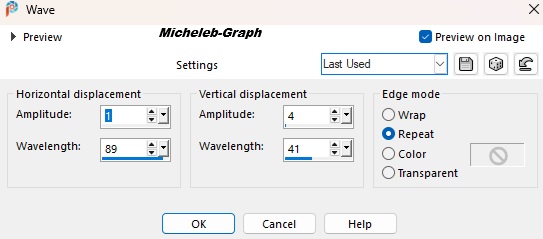
5
Activate your magic wand - Tolerance and Progressivity
at 0
Select this part

Layers - new layer
Selections - Modify - enlarge by 2 px
Apply the color #0f203f
Selections - select none
6
Filtres - Unilimited 2.0 - Graphics Plus - Cross Shadow
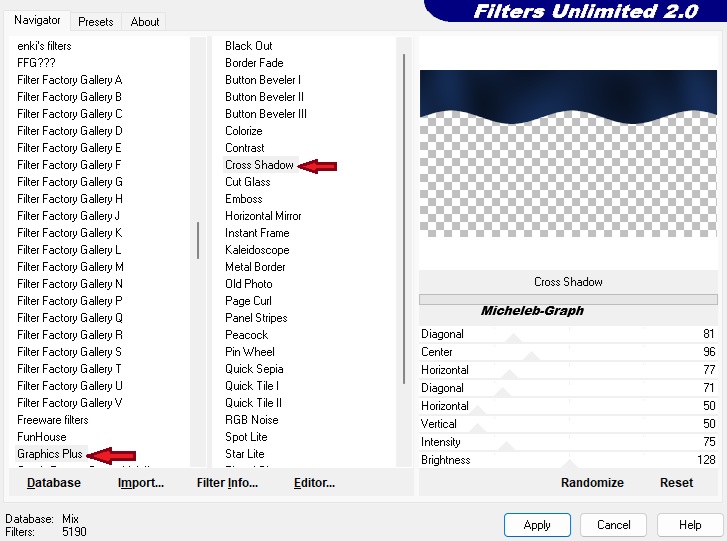
Layers - rearrange - move down
Select the upper layer
Layers - merge - merge layer from below
7
Layers - duplicate
8
Image - mirror - vertical mirror
Layers - merge - merge layer from below
Layers - duplicate
9
Filtres - AP 01 [Lines] - SilverLining

10
Image - Free rotation

Opacity of the layer at 40%

11
Effects - distorting effects - waves
12
Image - add borders
10 px - #ffffff
45 px - #838b9b
10 px - #ffffff
13
Selections - select all
14
Layers - new layer
Fill with the color #ffffff
15
Open and copy deco-exclusivo natal
Paste in the selection
16
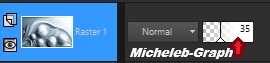
Opacity of the layer at 35%
17
Effects - side effects - accentuate more
Selections - select none
18
Open and copy deco Champagne
Paste as a new layer
Position (K on your keyboard)

19
Open and copy the title
Paste as a new layer
Position (K on your keyboard)
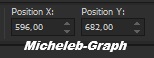
20
Open and copy the title_2026
Paste as a new layer
Position (K on your keyboard)

21
Open and copy the main tube
Paste as a new layer
Position to the left and adjust according to your taste
22
Add your signature
Add the signature of NaiseM
Add my signature Translation Micheleb-Graph
23
Image - add borders
4 px - #3a4e67
4 px - #ffffff
24
Image - resize 950 px width
Save as. Jpg
Your creation is finished, you
can send it to me by e-mail if you wish

Tutorial create on 28.11.2025
Translated on 11.12.2025
My version

Gracias a Narah por compartir
Scrap tk-CountdownandConfetti-Designer
Version of my tester: Irene

Gallery
Index

Ce(tte) œuvre est mise à disposition selon les termes de la
Licence Creative Commons Attribution -
Pas d’Utilisation Commerciale - Pas de Modification 3.0 France. |
|
|