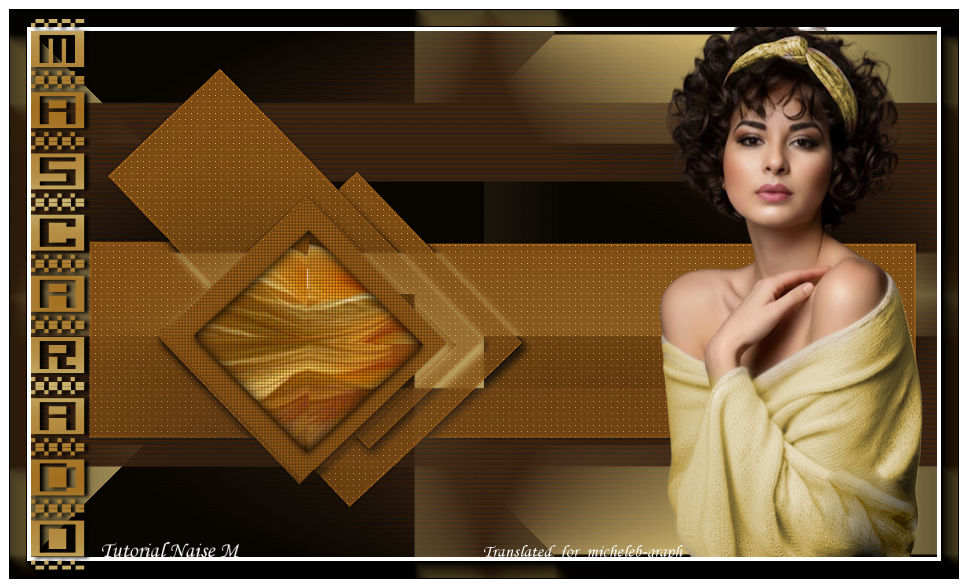
  For my personal version, images found on Pinterest and personally tubed  Thank you to Naise M for allowing me to translate her tutorials into English. Original lesson under the banner 
Thank you to Renée for allowing us to use her filters   Colors Foreground: #04201 Background: #42220b 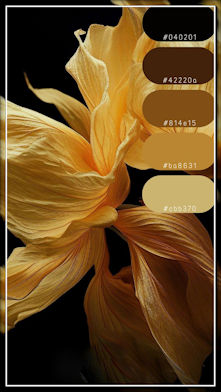 1 Open a new transparent image of 970 x 570 px Fill with foreground color 2 Open and minimize the femmeurbaine_parIc mask Layers - new mask layer - from an image Load the femmeurbaine_parIc mask 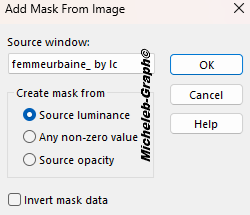 Layers - merge - merge the group 3 Layers - new layer Fill with background color Open and minimize the maskcameron239 mask Layers - new mask layer - from an image Apply maskcameron239 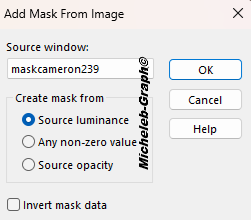 Layers - merge - merge the group Rename this layer - Raster Group 2 4 Layers - new layer Fill in with color 3 Open and minimize the maskCal_1 mask Layers - new mask layer - from an image Apply the maskCal_1 mask  Layers - merge - merge the group Rename this layer - Raster Group 3 5 Selections - load from the disc - Selection #mascarado1 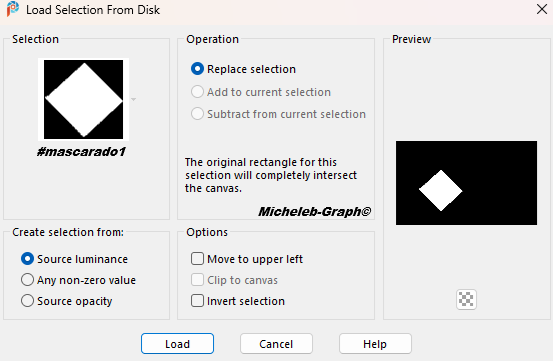 Selections - transform the selection into a layer Selections - modify - contract from 23 6 Open and copy the misted_mascarado Paste into Selection 7 Filters - Alien Skin - Eye Candy 5 - Impact - Glass Apply the Glass_mascarado Preset 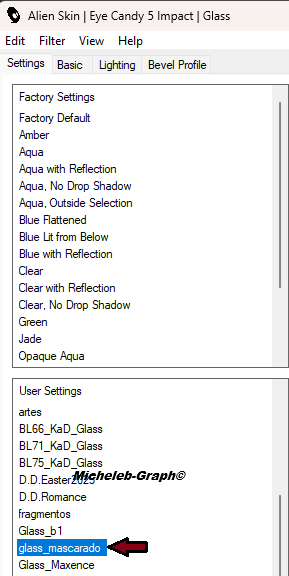  8 Effects - texture effects - Texture  9 Enable Raster Group 3 Layer Filters - Carolaine & Sensibility - CS-LDots 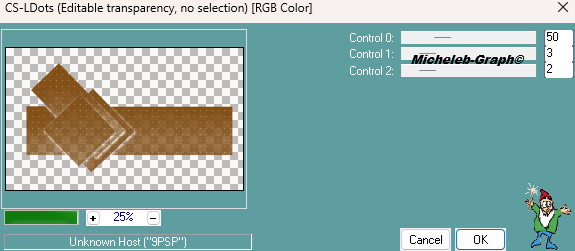 Adjustment - sharpness - more sharpness 10 Enable Raster Group 2 Layer Effects - texture effects - Blinds  11 Enable Raster Group 1 Layer Filters - Unlimited 2.0 - Simple - Pizza Slice Mirror  12 Layers - merge - merge visible layers 13 Layers - new layer Layers - rearrange - move down Fill in with color 4 #cbb470 14 Layers - merge - merge all (flatten) 15 Filters - AAA Frames - Foto Frame 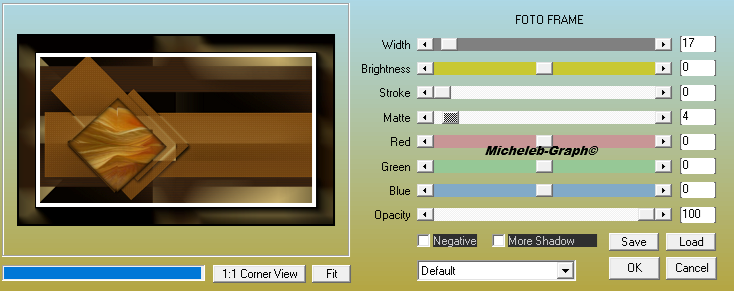 16 Images - add borders 9 px - color #ffffff 17 Open and copy title Paste as new layer Place as on the final image or as you wish 18 Open and copy the main tube Paste as new layer Resize if needed Place as on the final image or as you wish 19 Apply your signature Apply NaiseM’s signature Apply my Micheleb-Graph Translation signature 20 Layers - merge - merge all Save as. Jpg Your image is finished Can you send it to me by email  Version of my tester Irène INDEX  Ce(tte) œuvre est mise à disposition selon les termes de la Licence Creative Commons Attribution - Pas d’Utilisation Commerciale - Pas de Modification 3.0 France. |

